Hero Project 03 Framework / Commercial Product Storytelling

Consumer Product Launch Visualization

Use this page to demonstrate how a product proposition becomes an emotionally engaging, commercially coherent launch system across CGI, motion, and campaign formats.

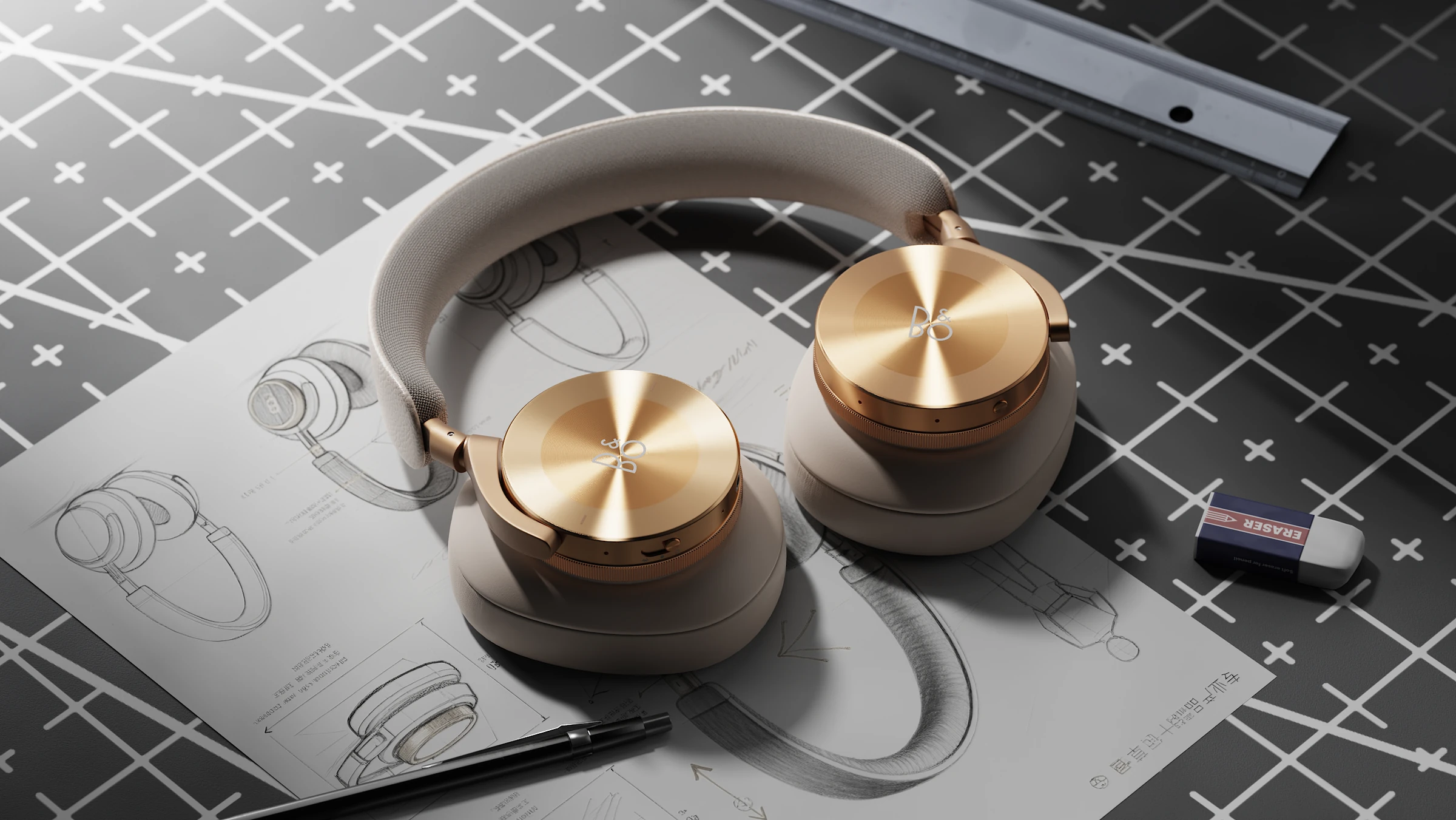
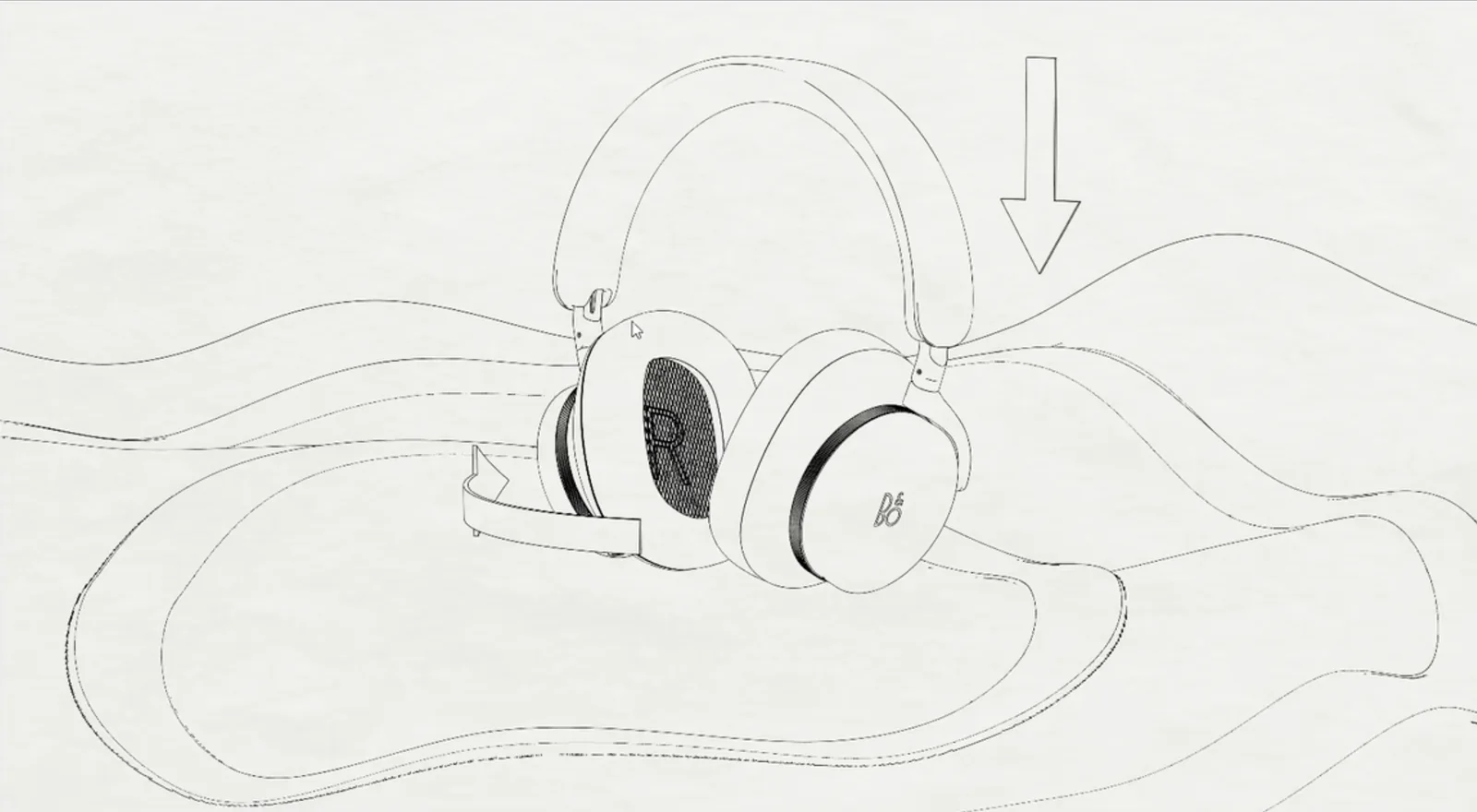
Abstract placeholder for a consumer product launch hero visual
Hero visual placeholder — replace with one campaign image that establishes the product, mood, material quality, and visual promise.
Role
Add art direction and production ownership
Timeline
Add campaign duration and milestones
Tools
Add 3D, rendering, motion, editing, and layout tools
Deliverables
Add film, key visuals, product images, and channel formats

01 / Commercial Brief

Define what the product offers, who should care, and where the campaign will appear.

Product & Proposition

Add the consumer product and its single most important value proposition.

Choose a product with meaningful form, CMF, interaction, or function so the project still supports an industrial and product design identity.

Audience & Channels

Add the target customer, buying context, launch moment, and required formats.

Specify where the visual system must work: product page, social media, retail display, launch film, presentation, or digital advertising.

Audience / AddProduct Promise / AddBrand Tone / AddChannels / Add

02 / Visual Strategy & Art Direction

Turn the product proposition into a deliberate visual language.

Abstract placeholder for campaign moodboard and visual direction

Moodboard / Direction

Add references for tone, color, material, lighting, composition, and motion.

Do not show a decorative moodboard alone. Annotate how the direction expresses the product promise and separates the product from competitors.

Abstract placeholder for lighting and color direction

Lighting & Color

Add controlled visual tests.

Compare directions and explain the selected emotional and material effect.

Abstract placeholder for composition and type direction

Composition & Type

Add the graphic system around the CGI.

Show framing, scale, hierarchy, copy placement, and brand consistency.

03 / Storyboard & Motion Structure

Plan a short product story—not a sequence of unrelated effects.

  1. 01 / Attract

    Visual Hook

    Add the opening image or motion that establishes tone and earns attention.

  2. 02 / Reveal

    Product Introduction

    Add how the full product is revealed with clear silhouette and material quality.

  3. 03 / Explain

    Feature Moment

    Add one benefit-led sequence that connects function to customer value.

  4. 04 / Desire

    Detail & Experience

    Add tactile detail, use context, CMF, or emotional imagery.

  5. 05 / Close

    Brand & Action

    Add the final product promise, brand moment, or launch call to action.

04 / CGI Development

Show the craft behind believable material, lighting, and product presence.

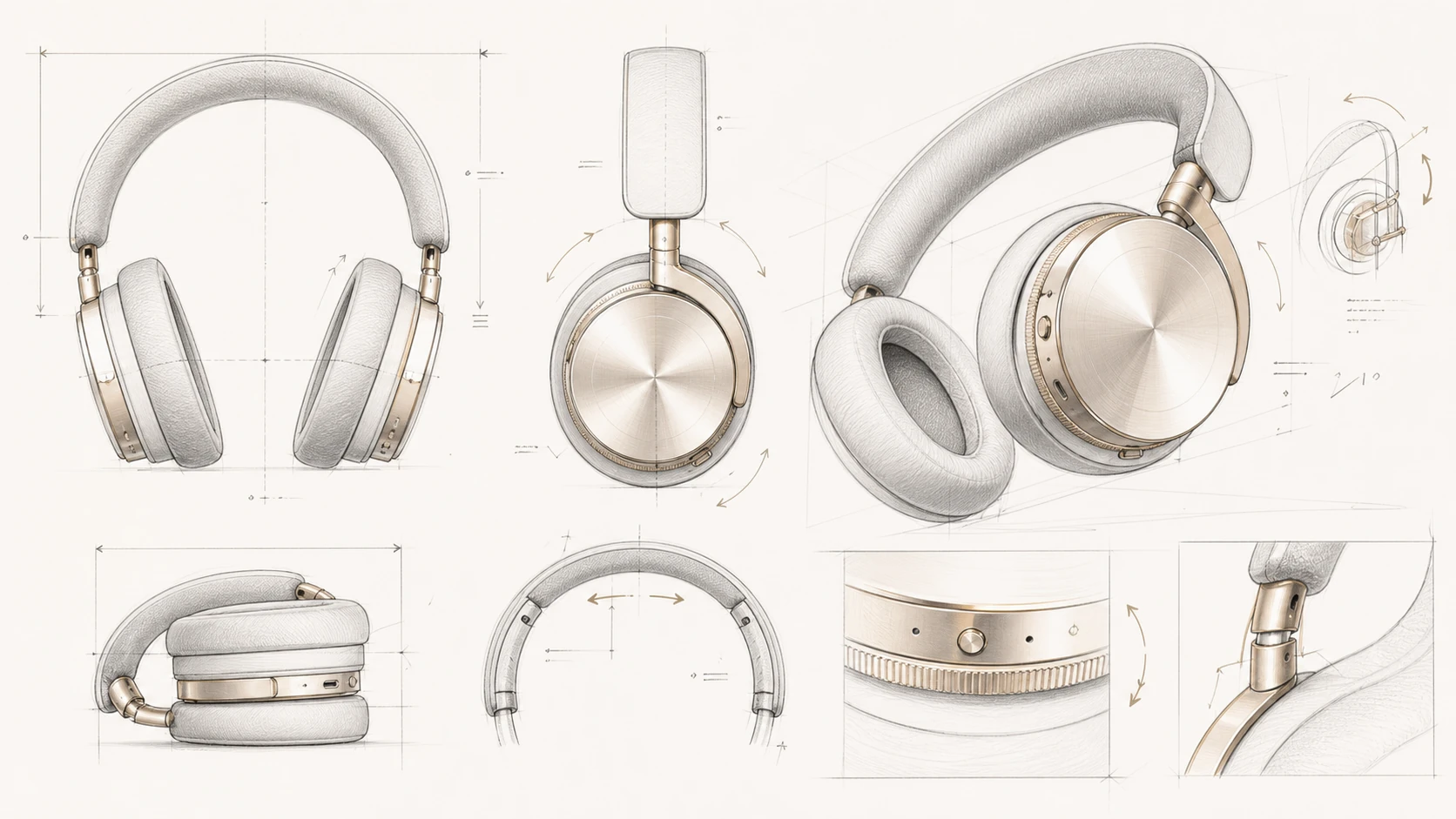
Model Preparation

Add CAD cleanup, topology, detailing, or asset creation.

Clarify whether the model was designed, supplied, optimized, or rebuilt.

Evidence: wireframe or before / after
Material & CMF

Add shader development and surface references.

Connect finish decisions to brand tone and product positioning.

Evidence: material test sheet
Lighting & Camera

Add lighting studies and camera language.

Explain how scale, edge definition, reflections, and focus guide attention.

Evidence: selected tests
Abstract placeholder for early CGI test
Early CGI test placeholder — identify what was not yet communicating the intended value.
Abstract placeholder for refined campaign CGI
Refined CGI placeholder — annotate the changes in material, lighting, camera, or composition.

05 / Feature Communication

Use one controlled sequence to connect function with consumer benefit.

Abstract placeholder for feature animation

Feature Film Placeholder / 6–12 Seconds

Add one feature or use moment worth animating.

Begin with the customer benefit, then decide whether assembly, transparency, transformation, particles, or close-up motion is actually necessary to explain it.

Benefit → Visual Device → Customer Understanding

06 / Hero Launch Film

Reserve the strongest motion outcome for a concise 15–30 second launch film.

Abstract placeholder for the final consumer product launch film
Final film placeholder. Replace with the edited film or a clickable preview. Add duration, format, soundtrack or sound-design credit, and your production responsibilities.

07 / Campaign System

Prove that the visual direction works beyond one beautiful render.

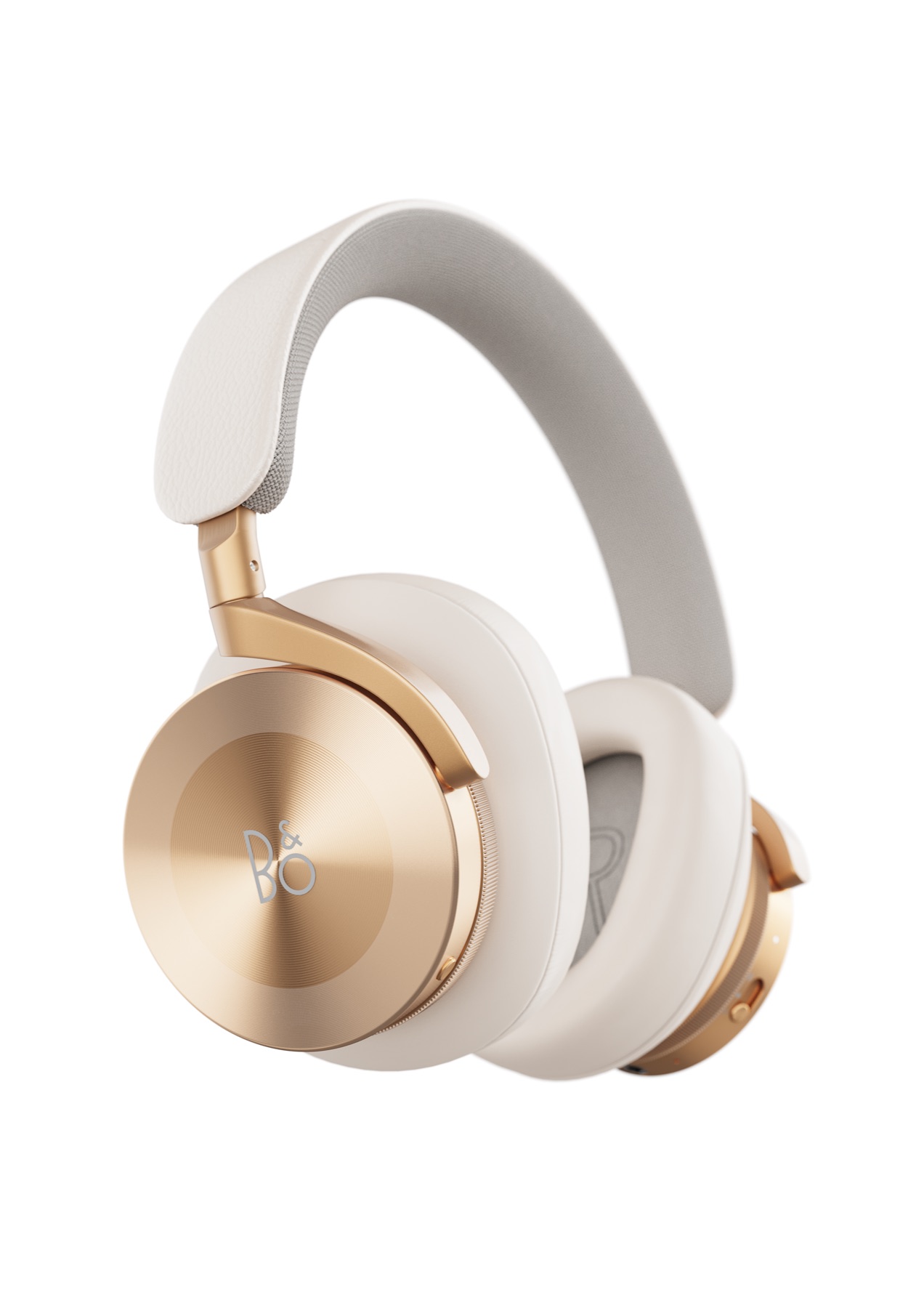
Abstract placeholder for campaign key visual

Key Visual 01

Primary launch image

Add the image that carries the entire visual direction and product proposition.

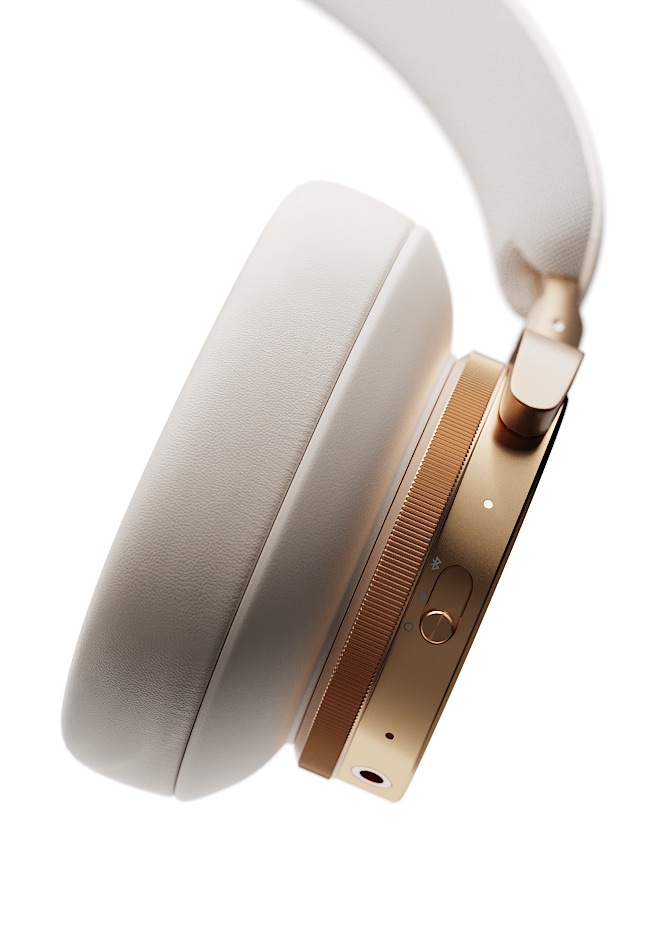
Abstract placeholder for product page visuals

Product Page

Detail & feature imagery

Add product, detail, feature, and use-context frames.

Abstract placeholder for social media campaign formats

Social Formats

Motion & cropped adaptations

Add vertical, square, or short-loop versions derived from the same system.

Abstract placeholder for retail or campaign poster

Launch Asset

Poster, retail, or presentation format

Add the most relevant additional customer touchpoint.

Abstract placeholder for visual system summary

System Summary

Consistency across touchpoints

Show the recurring color, type, camera, material, and motion rules.

08 / Contribution & Delivery

Close with production ownership, technical specifications, and honest project status.

Personal Contribution

Add ownership across art direction, modelling, rendering, animation, editing, and graphic composition.

Credit any supplied model, music, typeface, brand asset, collaborator, or external production resource.

Delivery & Status

Add channel formats, aspect ratios, resolution, duration, and delivery package.

If self-initiated, state it clearly. Replace business impact with project objectives or learning unless real campaign results exist.

Add 15–30 second hero film

Add 3–5 key visuals

Add feature animation

Add product page imagery

Add social adaptations

Add launch or presentation asset